
Turn your PNG or SVG into a 3D animation
Upload your logo, tweak the depth and materials, and export it ready for your projects. No Blender, no technical skills.
Free to start · Everything is processed in your browser
How it works
Upload
Drop your logo as a PNG or SVG. It is processed in your own browser: it never leaves your device unless you turn on a feature that needs it.
Customize
Adjust depth, bevel, materials, lighting and background in real time until the result is exactly what you want.
Export
Download an image, a video or the 3D model, ready to use on your social media, your brand or your projects.
Materials
Neon, holographic and other finishes will arrive in a later phase.
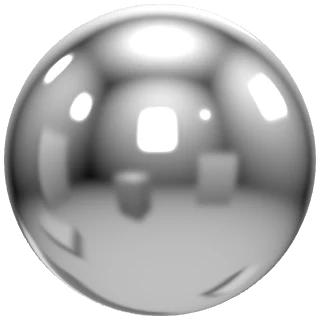
Polished chrome
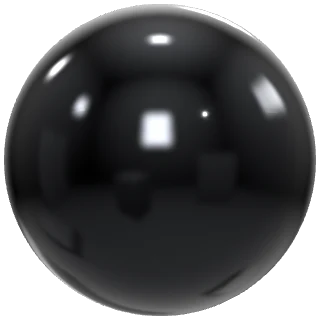
Black chrome
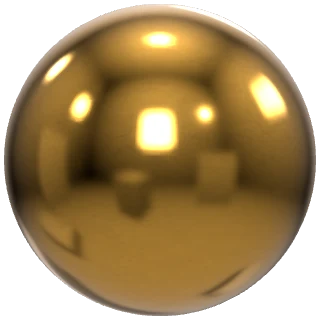
Gold

Pink metallic
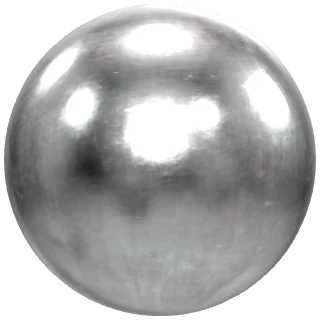
Worn metal
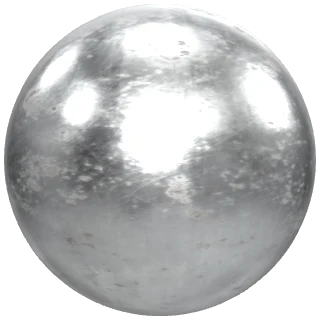
Aged steel

Custom gold
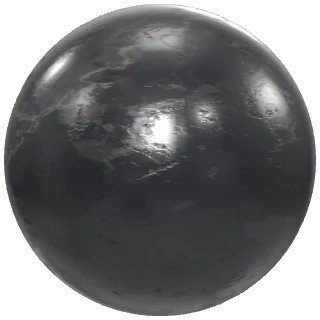
Black marble
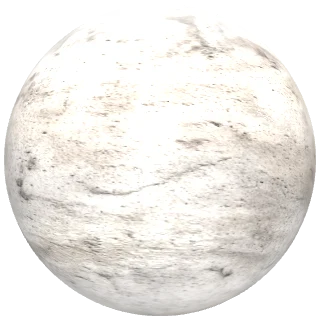
White marble
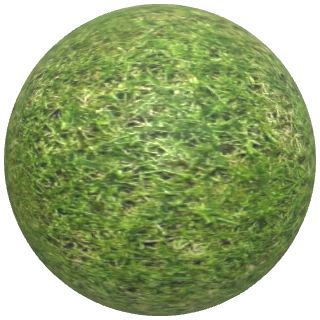
Grass

Wood
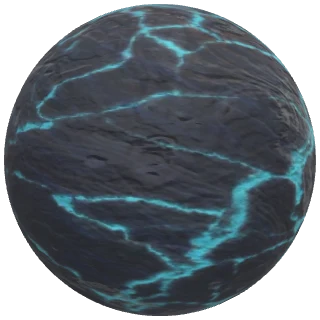
Asteroid
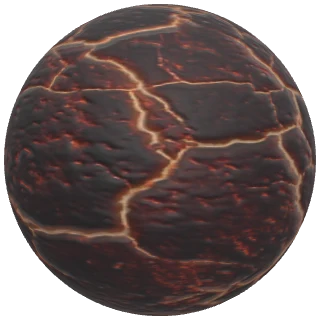
Lava
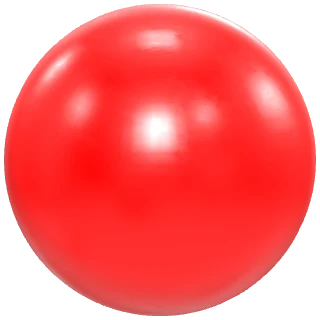
Red plastic
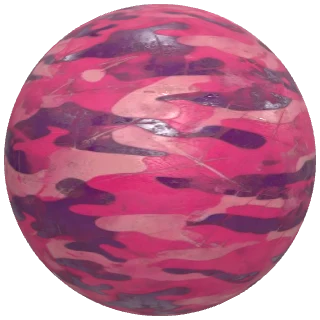
Pink camo
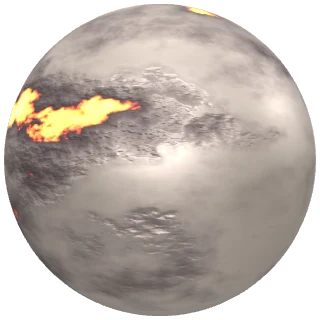
Glowing lava
Glass
About Frame.lab materials
The finishes are made for 3D logos: polished and dark chrome, gold, colored metallics, marble, wood, grass, lava and glass. They render in real time under studio lighting, so you see the result as you edit.
Each material can be tuned with color, metalness and roughness, and you can also upload your own texture maps (color, roughness, normal and metalness) to get the exact finish you are after.
Who Frame.lab is for
Frame.lab turns a PNG or SVG logo into an animated 3D object right in your browser. Here are some common uses; open each one to see how it applies.
DJs and music producers
Turn your logo or alias into a chrome, gold or metallic 3D object and export it as a looping video for your set visuals, release covers or social media. A spin or float animation gives your personal brand a polished look without any 3D skills.
Clubs and event venues
Create an animated 3D logo for LED screens, projections and digital signage. Export an MP4 ready to play on any screen, and a transparent-background PNG for posters, flyers and your event posts.
Clothing and streetwear brands
Present your brand logo as a metal piece with real reflections for collection teasers, lookbooks and social covers. Try chrome, gold or the colored metallic finishes until you find the one that fits your identity.
Streamers and content creators
Make intros, transitions and banners with your 3D logo. Video is exported with a solid background and PNG with a transparent one, so you can overlay it in your video editor or streaming software.
Design and motion studios
Start from an SVG or PNG logo and get a 3D model you can take to other tools: export GLB for your scene or STL for 3D printing. Useful to save time on pitches, animatics and first drafts.
Social media brands
Generate animated content with your logo for reels, stories and posts without any technical knowledge: pick a material, an animation and a length, and download a video or image ready to publish.
Examples
No examples have been published yet. The first logos made with Frame.lab will appear here.
Pricing
Prices in EUR, VAT included.
Free
Personal, non-commercial use
- · Unlimited creations and editor use
- · Local project saving
- · Standard export up to 1080 px
- · Basic materials
- · “Frame.lab” watermark on exports
Pro monthly
Commercial use while the subscription is active
- · All materials and animations
- · Video export
- · 3D model export
- · High resolution, up to 4K when your device allows it
- · Exports without a watermark
- · Cloud projects
- · Interactive embeds (iframe)
- · Cancel from the customer portal
Pro annual
Commercial use while the subscription is active
- · Everything in Pro monthly
- · You save 27 € a year (37.5%) compared to monthly billing
Card payments and subscription management are processed securely through Stripe. Real charges will be enabled once the tax setup is confirmed.
Frequently asked questions
Do I need to know Blender or any 3D software?
No. Frame.lab turns your PNG or SVG into a 3D object automatically and you customize it with simple controls: depth, bevel, material, camera and animation.
Is my logo uploaded to a server?
Not by default. Vectorizing and building the 3D model happens in your own browser. Information is only sent to the cloud when you explicitly turn on a feature that needs it (for example, saving a project to your account or generating a public link), and we tell you before it happens.
Which file formats can I upload?
PNG and SVG. That is where Frame.lab gives the best results; other image formats and text are not supported in this version.
What if my PNG has a complex background or low resolution?
The editor warns you before processing it. Automatic vectorization works best with simple or transparent backgrounds and logos with clear strokes; with photographs or very complex backgrounds the result may not be accurate.
What does the free plan include?
Unlimited editor use with local saving, standard export up to 1080 px and basic materials, with a “Frame.lab” watermark and a personal, non-commercial license.
How do I turn a PNG or SVG logo into a 3D object?
Upload your file in the Frame.lab editor and it is extruded into 3D automatically. Then you adjust the depth, bevel, material, lighting and animation, and export the result. The whole process happens in your browser, with nothing to install.
What can I export and in which formats?
A PNG image (with a transparent background if you choose), an animated video as MP4 or WebM depending on what your browser supports, and the 3D model as GLB or STL (the latter for 3D printing). Video is exported with a solid background.
Can I cancel the Pro subscription whenever I want?
Yes, from the Stripe customer portal. Renewal stops and you keep Pro access until the end of the period you already paid for.